
TONEX Editor

YOUR TONE. FINE-TUNED.

Edit, audition, and organize sounds for your TONEX hardware.

TONEX Editor lets you transfer presets from your computer to TONEX hardware and fully edit sounds on TONEX Pedal, TONEX ONE, TONEX ONE+, and TONEX Plug. Adjust settings in real time, hear changes through your connected hardware, and organize your sounds for recording, rehearsal, or performance.

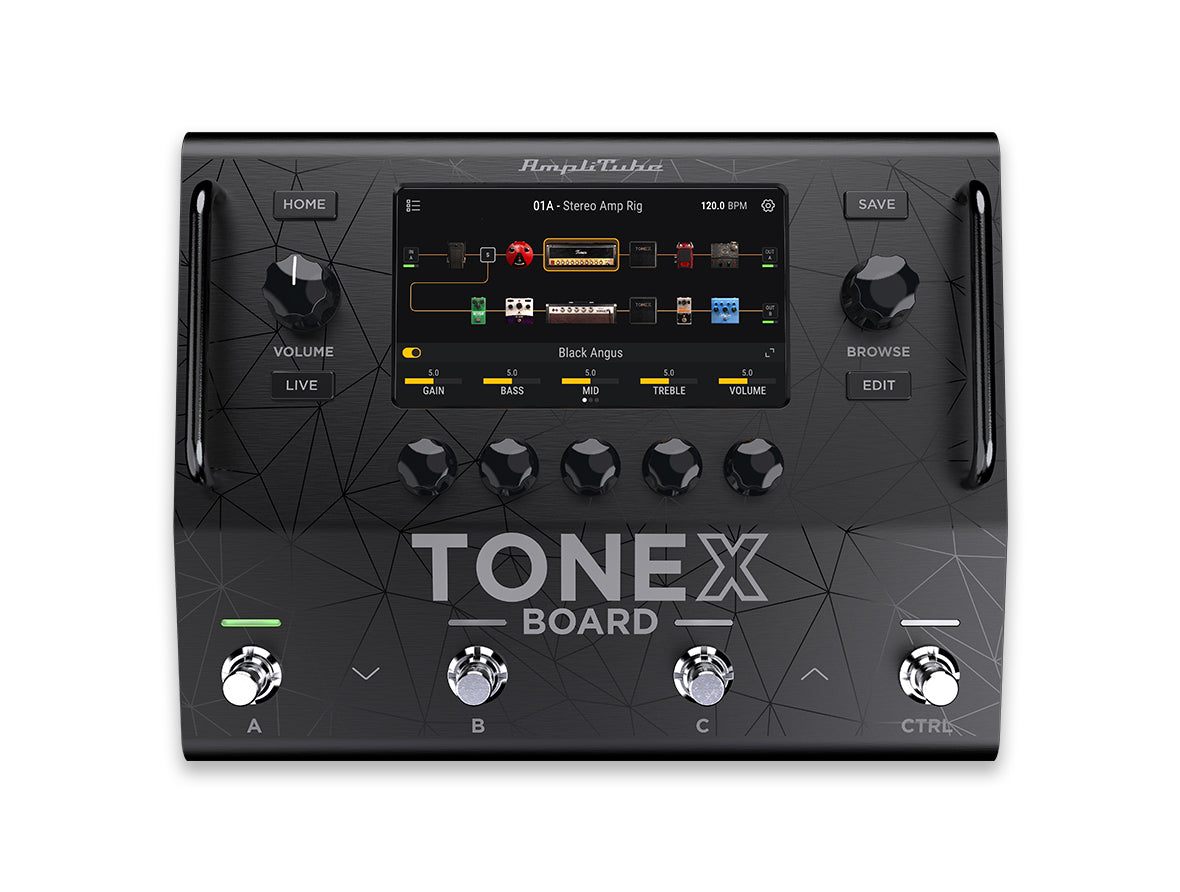
TONEX Board owners use the separate TONEX Board Editor, which currently supports transferring presets and Tone Models to and from TONEX Board, along with library organization.

Both applications are free and included in the TONEX 2 Player installer.
COMPATIBILITY
TONEX Editor
Real-time editing, auditioning, and library management for TONEX ONE, TONEX ONE+, TONEX Pedal, and TONEX Plug.
TONEX Board Editor
Library organization and two-way transfer of Tone Models and presets for TONEX Board. Edit Board sounds in real time directly on the hardware.
System Requirements
TONEX for Mac/PC is a 64-bit application and requires a 64-bit CPU and Operating System.
Mac®
Intel: Intel® Core™ i3 (Core i5 recommended for Modeler), macOS® 11 Big Sur, 4 GB of RAM, 6 GB of hard drive space.
Apple Silicon: Apple M1, macOS® 11 (macOS® 12.4 Monterey required for Modeler. Recommended macOS 14 or later for best performance), 4 GB of RAM, 6 GB of hard drive space. TONEX is a native Apple Silicon application.
Supported Plug-in formats: Audio Units, VST 3, AAX.
Windows®
Intel: Intel® Core™ i3 or equivalent CPU (Core i5 recommended for Modeler), Windows® 10, 4 GB of RAM, 6 GB of hard drive space. An NVIDIA GPU with Volta or newer architecture is recommended to reduce training times (e.g., RTX 2060 or higher).
Supported Plug-in formats (64-bit): VST 3, AAX.
An internet connection is required to authorise the application and access ToneNET.
Note:
1. Simultaneous use of other apps can increase training times.
2. Included support for 50xx series GPUs (Blackwell architecture).
3. Dropped support for 10xx series GPUs (Pascal architecture) and lower.

CUSTOMIZE YOUR LIVE RIG WITH REAL-TIME PRECISION

Connect your TONEX ONE, TONEX ONE+, TONEX Pedal, or TONEX Plug and shape your sound directly from your computer. TONEX Editor gives you access to your Tone Models, presets, and ToneNET content, so you can quickly audition sounds through your hardware, fine-tune settings, and save them to a hardware slot. Keep your existing library and presets, organize your sounds for the stage, and prepare your hardware without interrupting your creative flow.

OVERVIEW

TONEX EDITOR OVERVIEW

Editor View

Access and edit onboard Tone Models and presets while hearing every adjustment instantly through your connected TONEX ONE, TONEX ONE+, TONEX Pedal, or TONEX Plug. Shape your sound with control over Tone Model amp parameters, effects, cabinet settings, custom IRs, and VIR, then save your changes directly to your hardware.
A convenient drop-down menu keeps hardware sounds accessible and sorted by type and character. Adjust tempo and supported global settings, including TONEX ONE performance modes, to prepare your device for the way you play. The floating, resizable window keeps your controls within reach while leaving room for the rest of your workspace.

Librarian View

Access your TONEX library, including Tone Models, presets, and ToneNET content, from one organized view. Advanced filtering and folder organization help you narrow your search, find specific sounds, and keep a growing library easy to navigate.
Use the auto-load button to load a selected Tone Model or preset into a designated hardware slot for auditioning before committing changes. Hear it through your connected device, try different sounds, and save the ones you want to keep.
Transfer your favorites to your hardware, organize sounds for upcoming rehearsals and gigs, and import or export entire libraries to back up your collection.
TONEX BOARD EDITOR

ORGANIZE YOUR BOARD.
PREPARE YOUR NEXT SHOW.

TONEX Board uses its own dedicated editor to manage your library of Tone Models and presets. Organize your sounds on your computer and transfer them to TONEX Board, or bring content from your hardware back into your computer library.

TONEX Board Editor handles library organization and transfers. Make real-time adjustments to your Board sounds directly on the hardware using its touchscreen and controls.


Specs
COMPATIBILITY
TONEX Editor
Real-time editing, auditioning, and library management for TONEX ONE, TONEX ONE+, TONEX Pedal, and TONEX Plug.
TONEX Board Editor
Library organization and two-way transfer of Tone Models and presets for TONEX Board. Edit Board sounds in real time directly on the hardware.
System Requirements
TONEX for Mac/PC is a 64-bit application and requires a 64-bit CPU and Operating System.
Mac®
Intel: Intel® Core™ i3 (Core i5 recommended for Modeler), macOS® 11 Big Sur, 4 GB of RAM, 6 GB of hard drive space.
Apple Silicon: Apple M1, macOS® 11 (macOS® 12.4 Monterey required for Modeler. Recommended macOS 14 or later for best performance), 4 GB of RAM, 6 GB of hard drive space. TONEX is a native Apple Silicon application.
Supported Plug-in formats: Audio Units, VST 3, AAX.
Windows®
Intel: Intel® Core™ i3 or equivalent CPU (Core i5 recommended for Modeler), Windows® 10, 4 GB of RAM, 6 GB of hard drive space. An NVIDIA GPU with Volta or newer architecture is recommended to reduce training times (e.g., RTX 2060 or higher).
Supported Plug-in formats (64-bit): VST 3, AAX.
An internet connection is required to authorise the application and access ToneNET.
Note:
1. Simultaneous use of other apps can increase training times.
2. Included support for 50xx series GPUs (Blackwell architecture).
3. Dropped support for 10xx series GPUs (Pascal architecture) and lower.
VIDEOS

* Trademark & Non-Affiliation Notice

Trademarks or registered trademark property of IK Multimedia Production Srl. All rights reserved.

Mac, the Mac logo, the Audio Units logo, iPhone®, iPod touch®, iPad® are trademarks of Apple Computer, Inc., registered in the U.S. and other countries. App Store is a service mark of Apple Inc. Windows and the Windows logo are trademarks or registered trademarks of Microsoft Corporation in the United States and/or other countries. VST is a trademark of Steinberg Media Technologies GmbH. AAX, Avid, the Avid logo, Pro Tools, and RTAS are trademarks or registered trademarks of Avid Technology, Inc. in the U.S. and other countries.

All other product names and images, trademarks and artists names are the property of their respective owners, which are in no way associated or affiliated with IK Multimedia. Product names and images are used solely for the purpose of identifying the specific products that were studied during IK Multimedia's sound model development and for describing certain types of tones produced with IK Multimedia's digital modeling technology. Use of these names and images does not imply any cooperation or endorsement.

IK Multimedia disclaims any ownership over content uploaded by users to ToneNET, including but not limited to Tone Models, Presets, and any text or symbols that users upload with their content. IK Multimedia does not endorse or represent any users of ToneNET, and any names, trademarks, or tradenames that users may upload with their content on ToneNET should not be construed as an endorsement, association, or affiliation with IK Multimedia. Users represent and warrant that they own or are licensed to use all intellectual property, including copyrights and trademarks, in any content that they upload. IK Multimedia disclaims that any content uploaded by users is non-infringing. Please see the ToneNET Terms of Use with ways that you can notify us if you believe content on ToneNET infringes your rights.

More info on third party trademarks